🚛 Transport
Transport is where the consignments behind your orders are gathered so you can see where every parcel stands. This page will guide you through browsing your consignments, checking their status, and exporting your records.
The Transport module gives you a working view of your freight. The consignments themselves are booked and managed in the freight portal, and Transport mirrors them here beside your orders so you don't have to switch tools to check on a delivery.
Transport shows your consignments grouped by status, lets you search and filter them, and exports the list to PDF or CSV. Booking, labels and live carrier rates live in the Freight brokerage.
The Transport dashboard
Open Transport and you land on a summary of every consignment tied to your account.
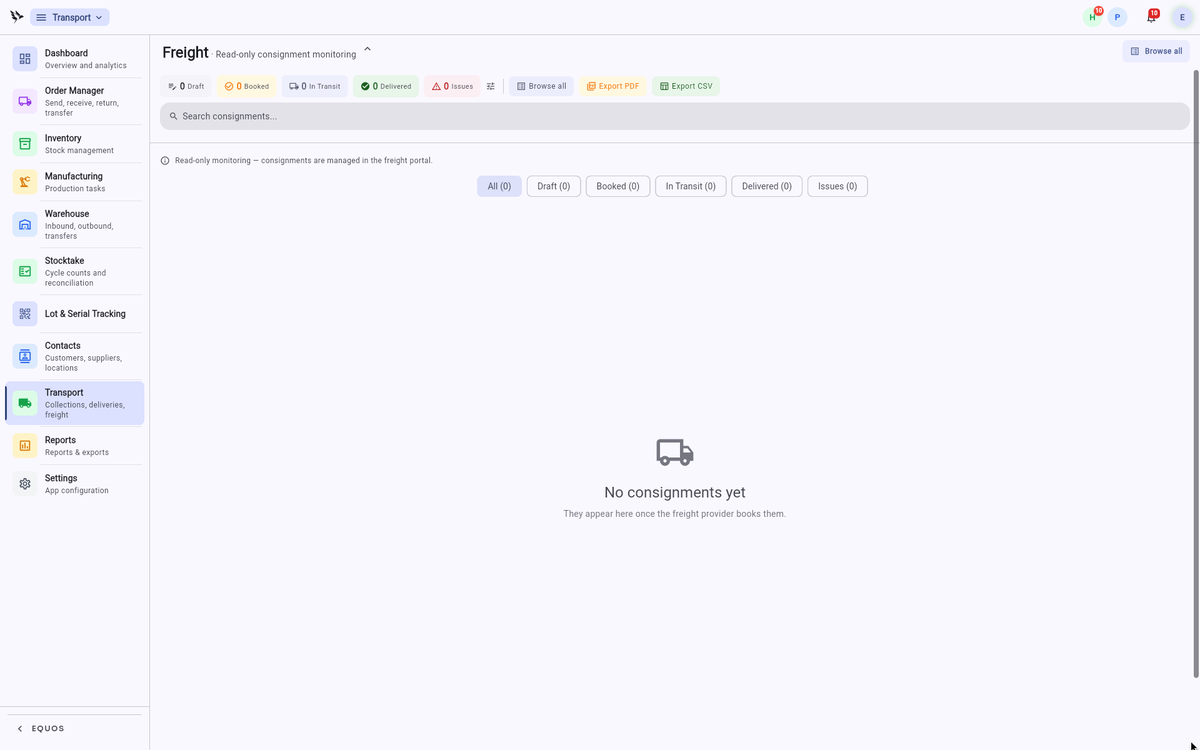 The Transport dashboard, with consignments counted across the delivery pipeline.
- The tiles across the top count your consignments through the pipeline: "Draft", "Booked", "In Transit", "Delivered" and "Issues".
- Use "Browse all" to open the full consignment list, or "Export PDF" and "Export CSV" to take a copy of your records with you.
- The search box finds any consignment by its number or details.
This ensures you can see at a glance how many parcels are on the road and whether any need attention.
Browsing consignments
Press "Browse all" to open the consignment list, where every job sits as its own card.
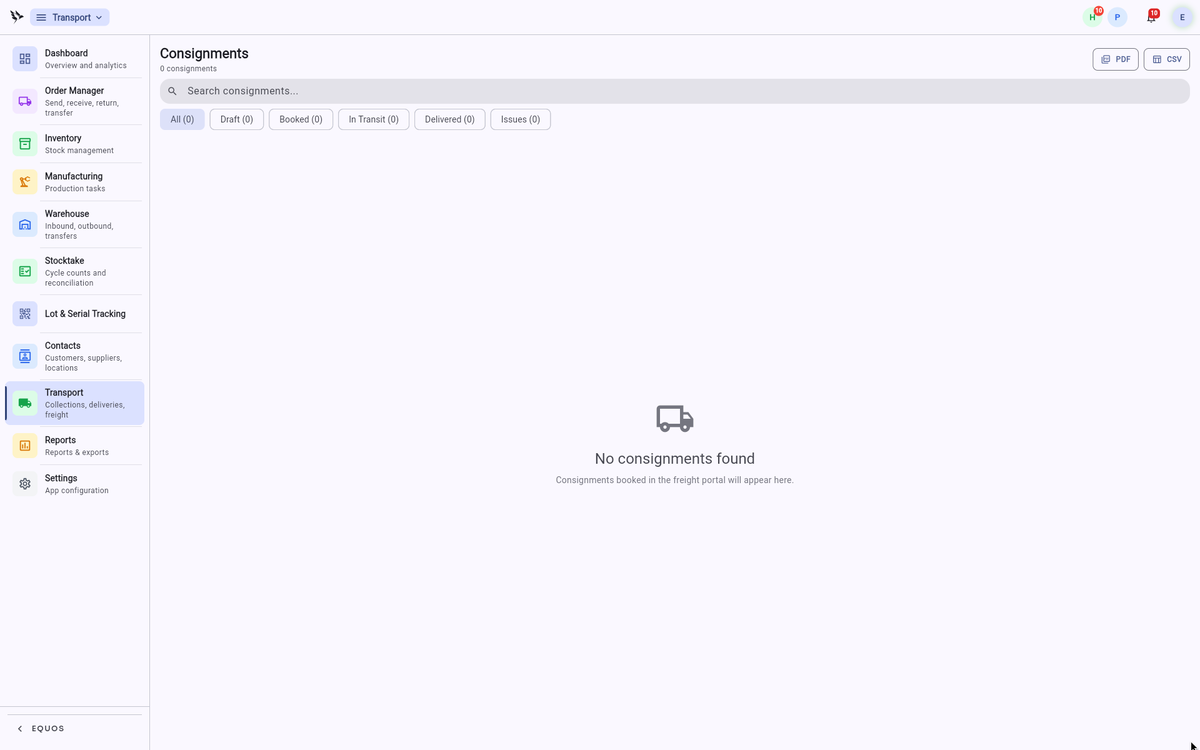 The consignment list, with status filters and origin-to-destination details on each card.
- Filter the list with the status chips — "All", "Draft", "Booked", "In Transit", "Delivered" and "Issues" — to focus on just the consignments you care about.
- Each card shows the consignment number, the origin and destination suburbs, the parcel count and weight, and the tracking number.
- Tap a consignment to open it and follow its progress.
This allows you to keep an eye on deliveries without leaving the platform your orders already live in.
Requesting a quote
When you need to move stock, you can request a freight quote to get the price and service before you commit. The full booking flow — comparing live carrier rates, generating labels and tracking the delivery end to end — is handled in the Freight brokerage, and the resulting consignments flow straight back here for monitoring.
For booking, labels and carrier rate comparison, see the Freight guide.